
 AI-Enabled learning management for K-12
An AI-enabled learning management system that facilitates the administration, reporting, and delivery of educational courses, with quick access to the OBELAS programs.
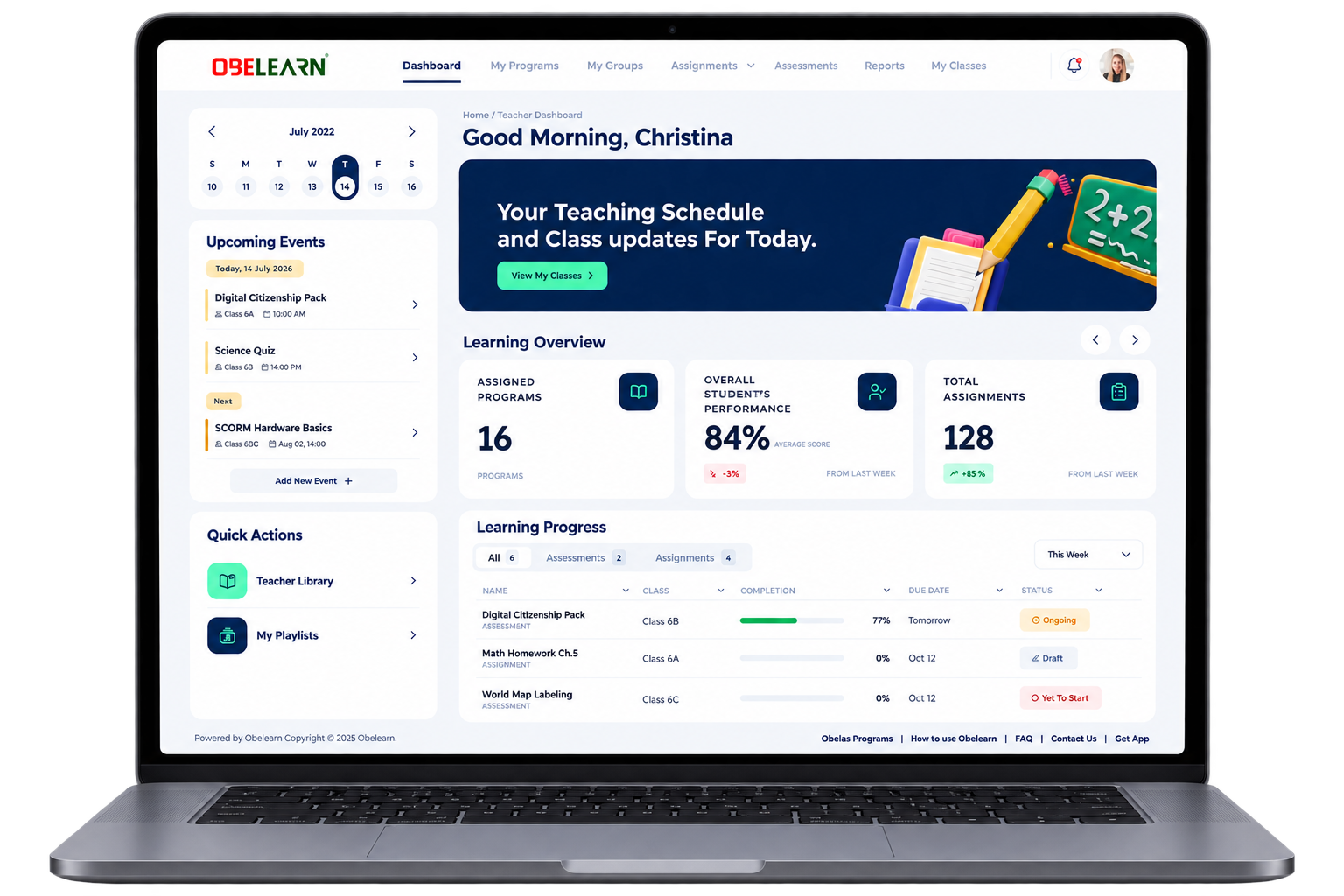
OBELEARN® brings together courses, classrooms, assessment, and insight in one place, purpose-built for K-12 and connected to the OBELAS learning ecosystem.
Everything a modern classroom needs
Eight capabilities that provide teachers, learners, and leaders with one connected experience.
Course management
Structured courses, units, and lessons aligned to program pathways.
User management
Roles, groups, classes, and permissions for schools of any size.
Assessment and evaluation
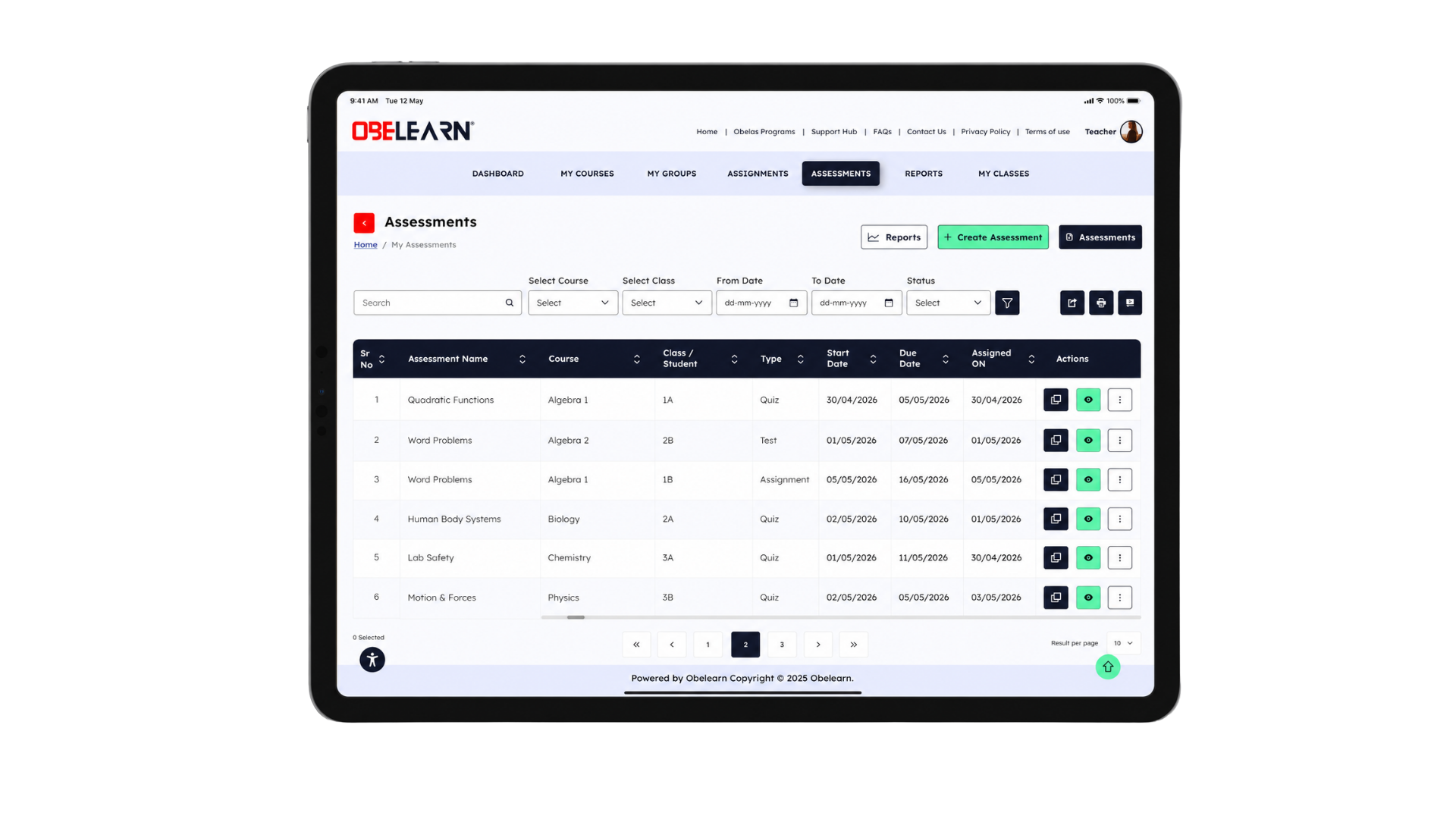
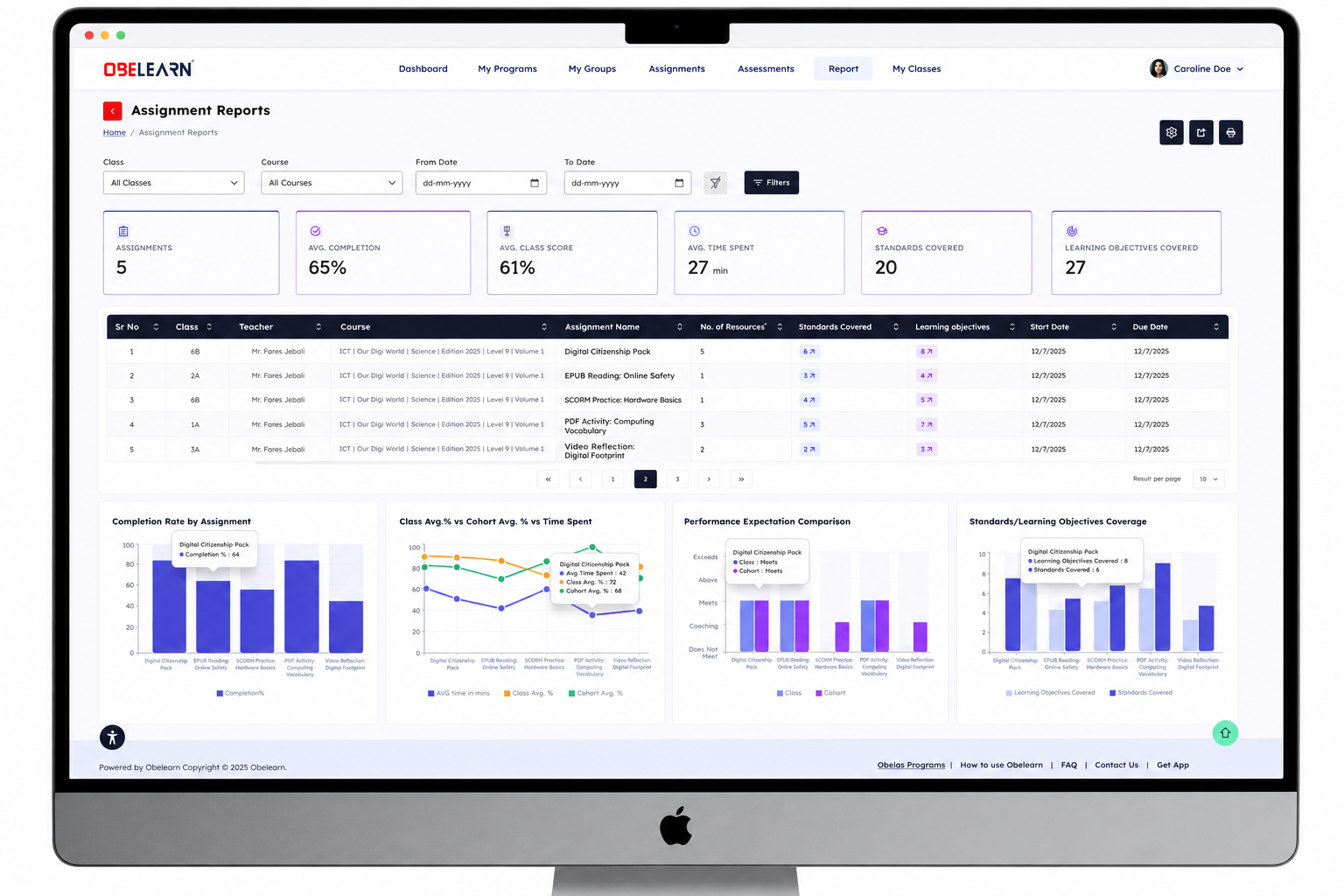
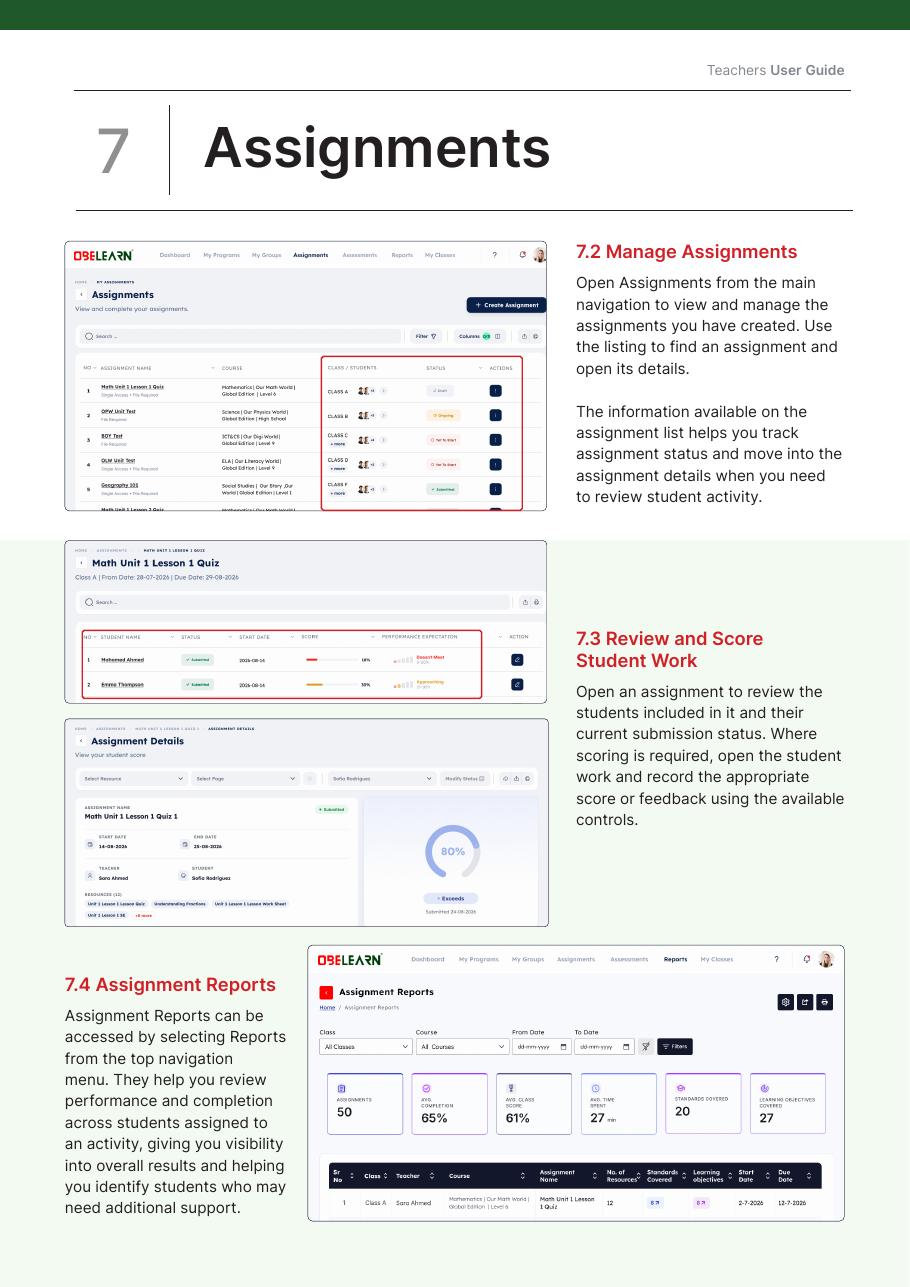
Create and assign learning activities, track assignment progress and performance through dedicated reports, and access connected assessment creation, evaluation, and analytics workflows.
Learner progress tracking
Continuous visibility into every learner's progression.
Learning analytics
Class, cohort, and student-level insights at a glance.
Parent engagement
Enable parents to follow their children's assignments, progress, and performance.
Mobile accessibility
A mobile learning experience for accessing programs, resources, assignments, and progress on tablets and phones.
Compatibility and integration
Connects with supported education tools and systems through standards-based and configured integrations.
Smart automation for interactive, engaging, personalized learning
OBELEARN® combines AI with smart automation to deliver interactive, engaging, and personalized learning experiences. The platform supports adaptive learning, gamified resources, real-time insights, and AI-supported content within one connected learning environment.
A learning journey that is structured, connected, and clear
- Structured content aligned to curriculum pathways
- Integrated learning resources linked to lesson content
- Real-time class and student dashboards
- Progress tracking to identify learning gaps
- Connected assessment aligned with teaching and evaluation
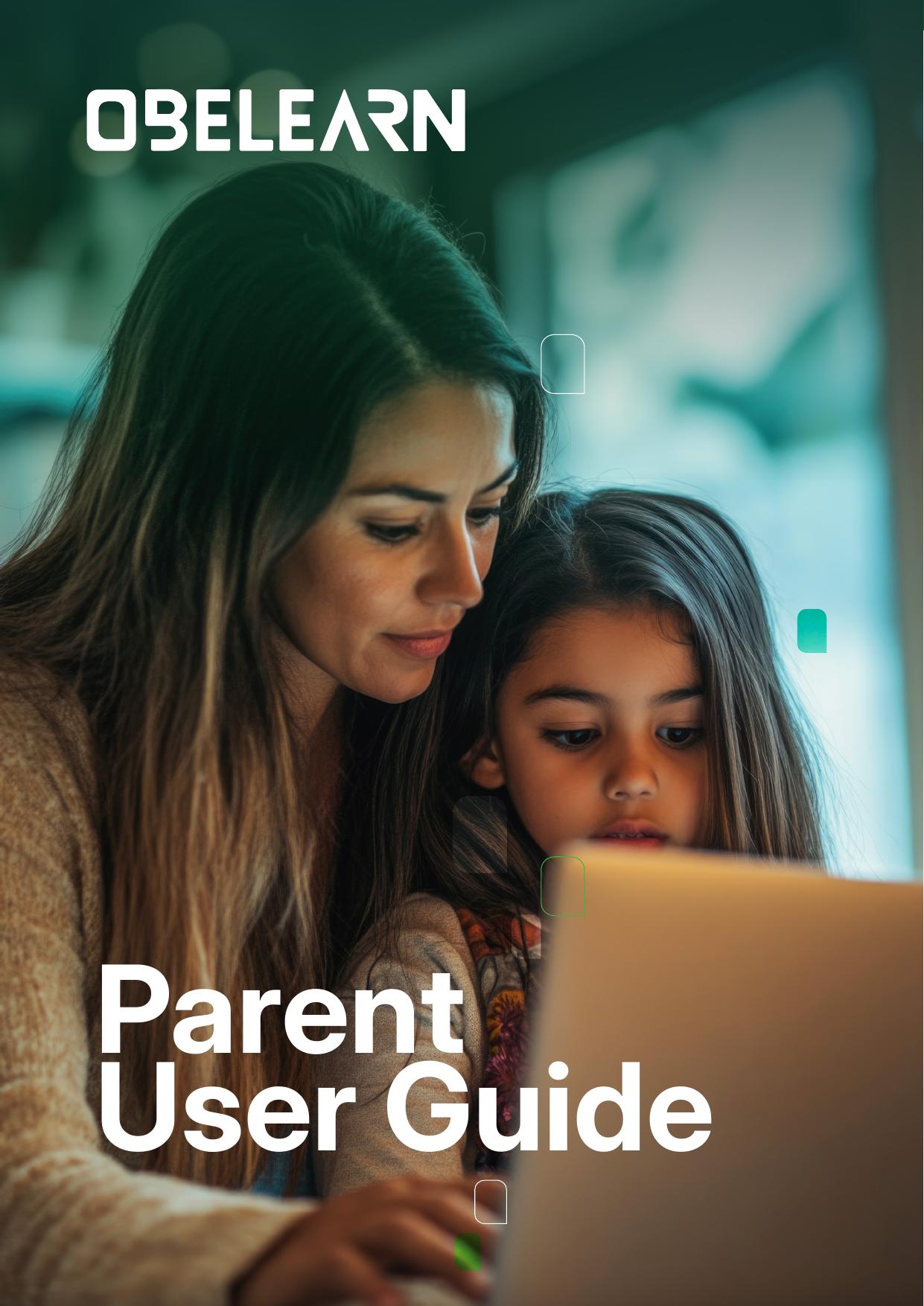
The Parent Guide to OBELEARN®
A step by step walkthrough for families: how to log in, read the dashboard, follow programs, keep track of assignments and assessments, and open the student library at home or on the move.
- First steps: log in01
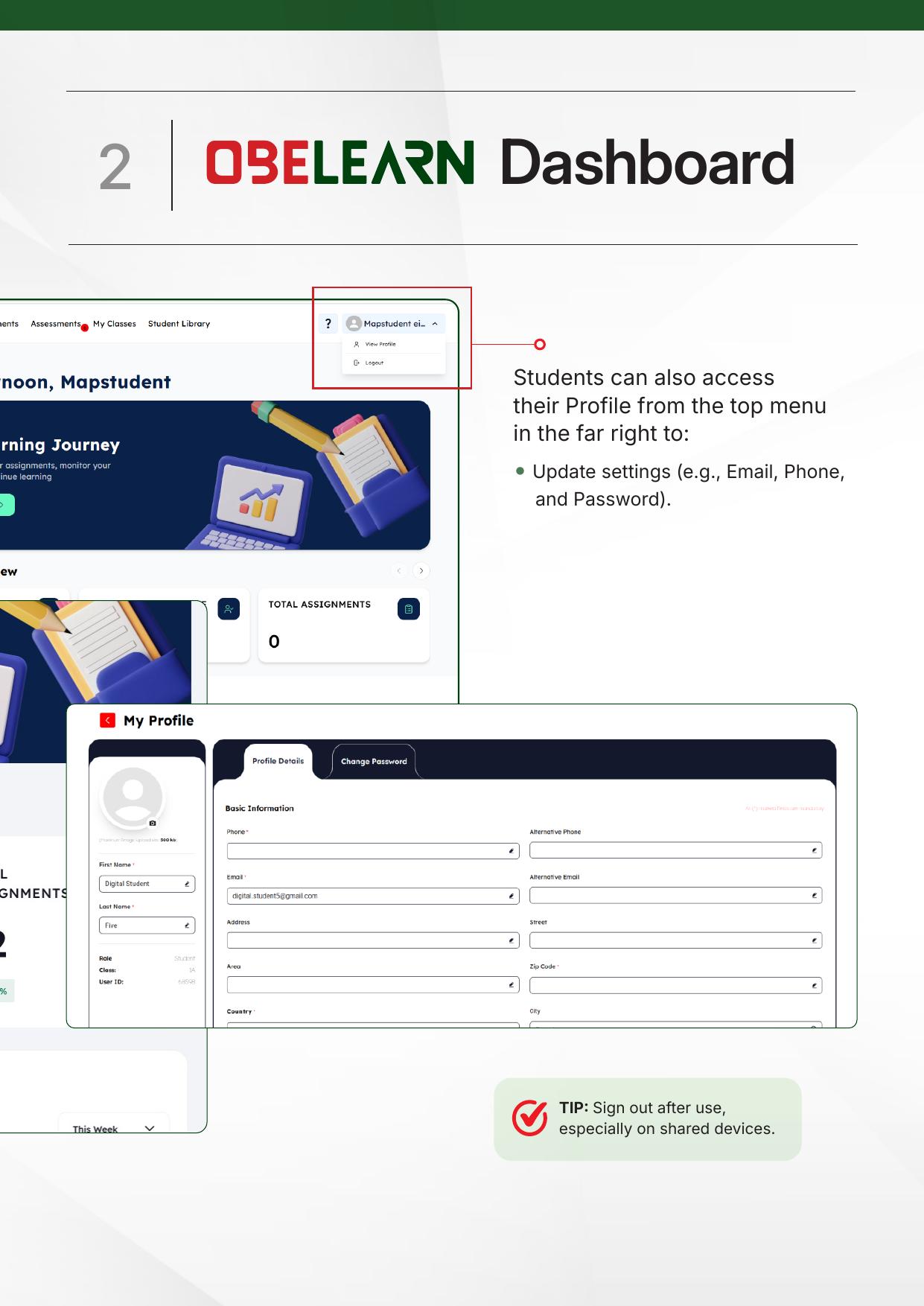
- OBELEARN® dashboard02
- Navigating programs03
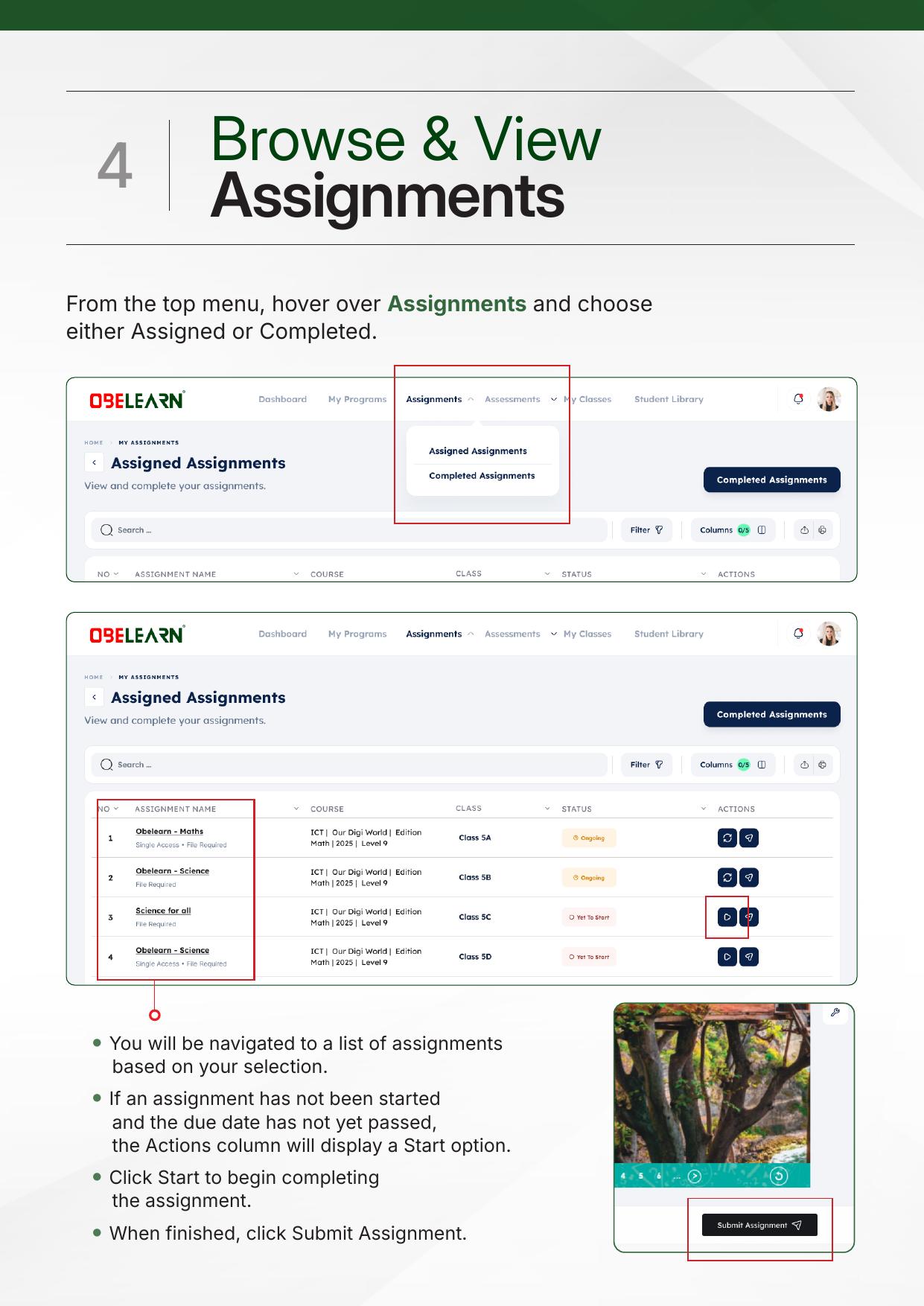
- Browse and view assignments04
- Browse and view assessments05
- Navigating my classes06
- Viewing the student library07
The Teacher Guide to OBELEARN®
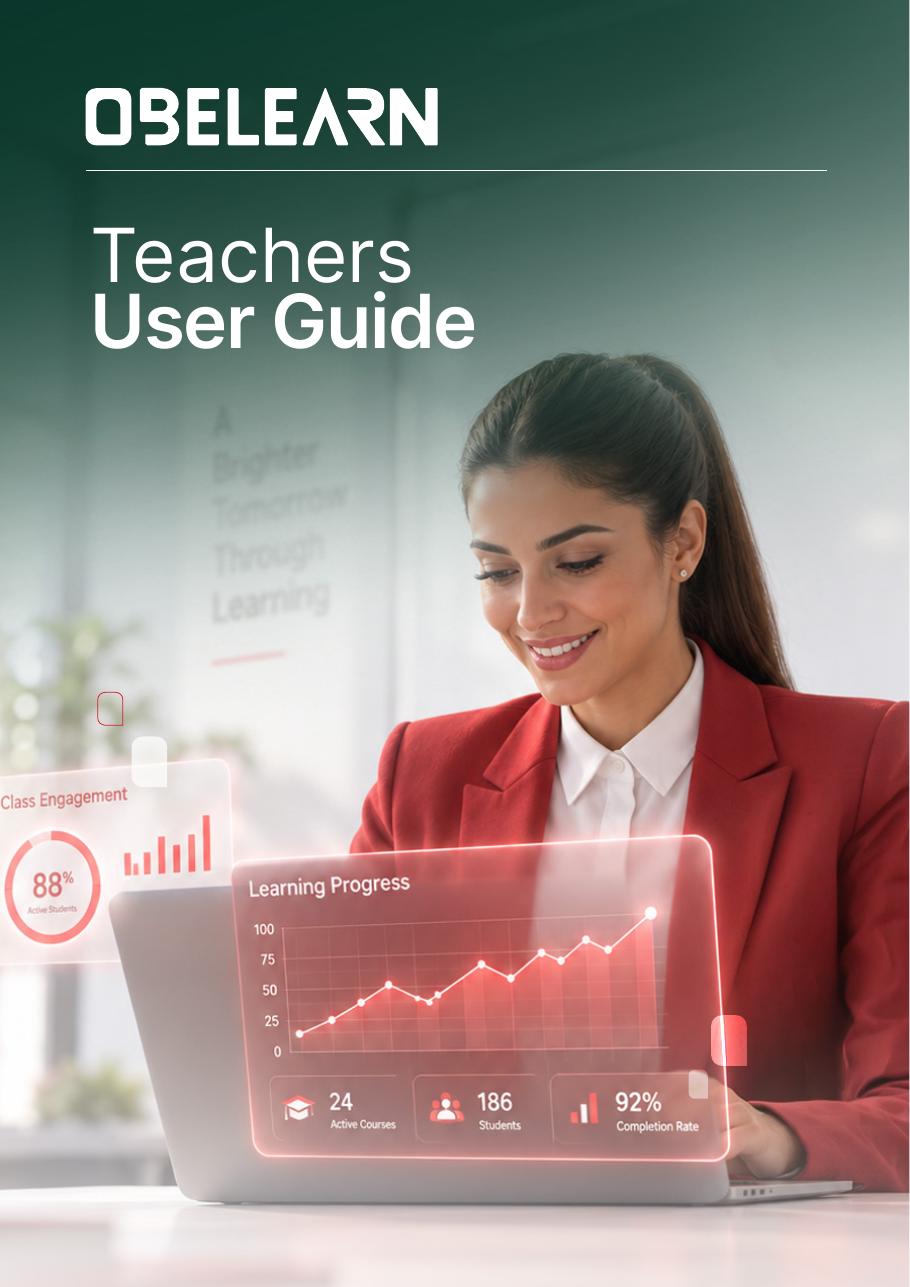
A practical, classroom-ready walkthrough: set up your dashboard, open programs and teacher centers, use the digital tools, create and manage assignments, and run assessments with confidence.
- Getting started01
- Teacher dashboard02
- My programs03
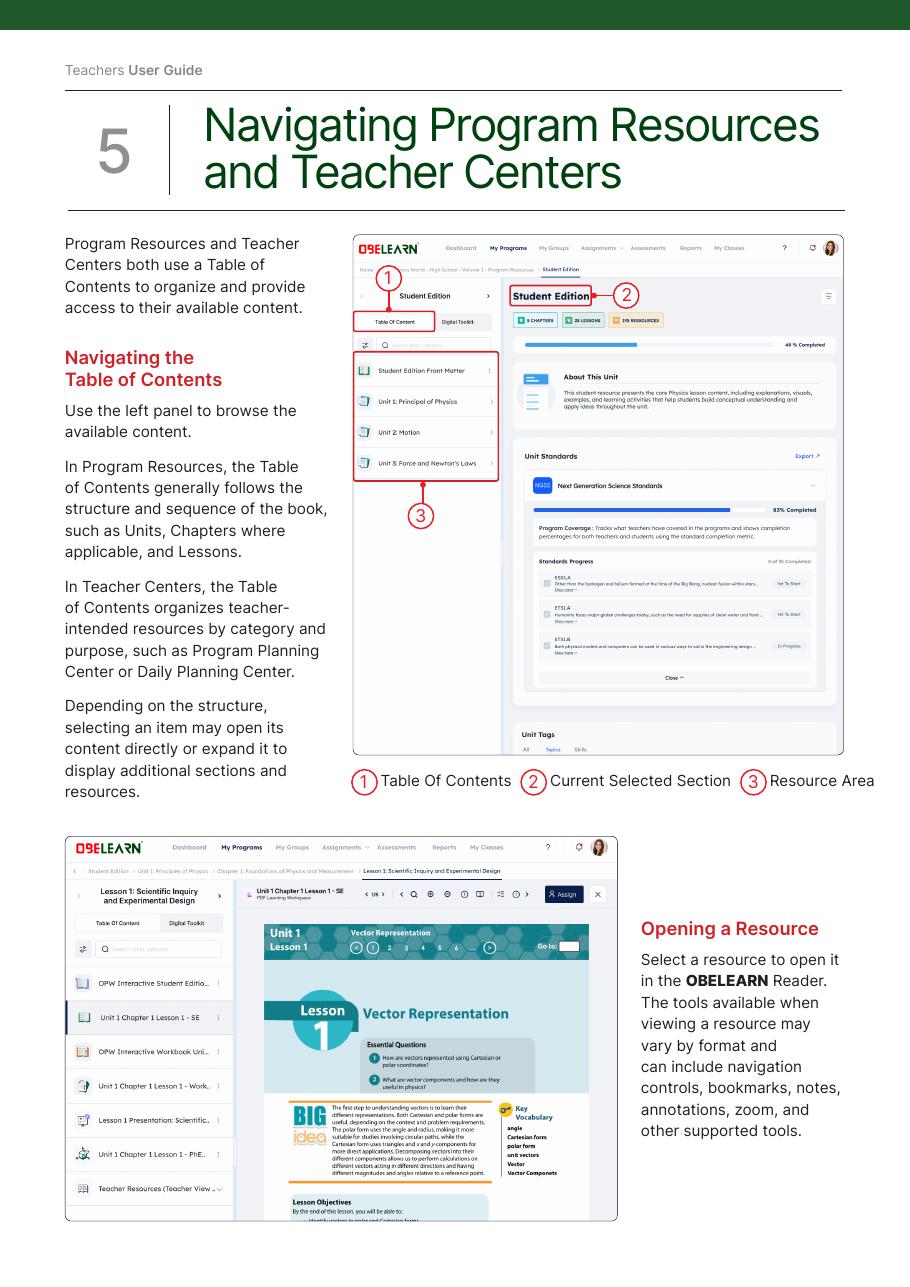
- Resources and teacher centers04
- Using digital tools05
- Creating and managing assignments06
- Assessments07
- Teacher workflow at a glance08
- Support09
Bring OBELEARN® to your school
See how AI-powered course delivery, assessment, and analytics fit into your classrooms.